ProviderCONNECT Information
Need to file a claim, submit a request for authorization or view care plans?
Use our ProviderCONNECT portal, a secure way to interact with Partners for all your needs as you serve our members.
Login: id.partnersbhm.org
 Must be registered by Partners before you can login
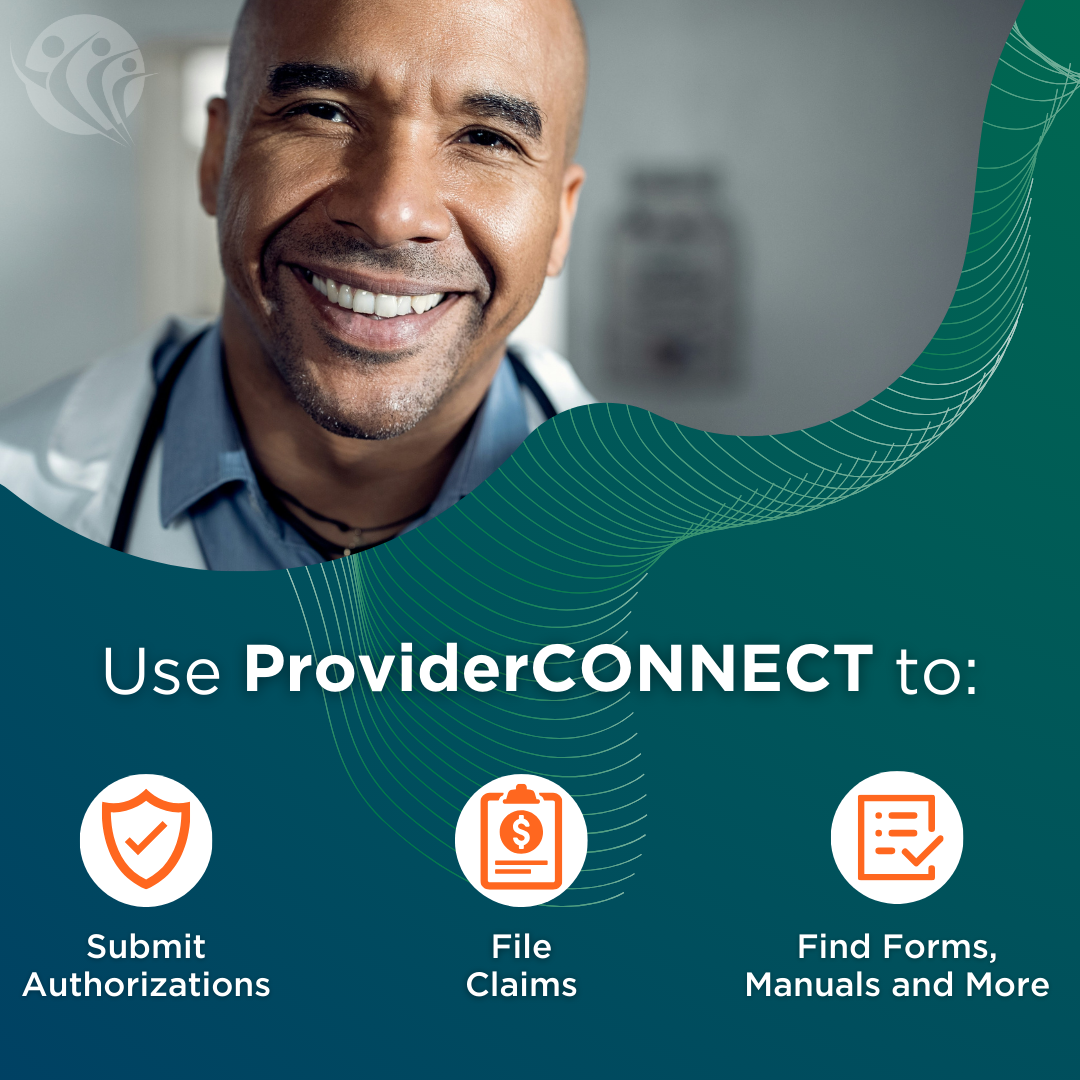
You can use ProviderCONNECT to:
- Access key information
- Check the status of submitted:
- Requests for Authorization
- Claims
- View care plans and gaps in care
- Find forms, manuals and other helpful information
Providers receive a login to ProviderCONNECT when they join the network and name a local administrator for the portal.
This individual is responsible for setting up your organization’s accounts in ProviderCONNECT and will serve as the point of contact with Partners. Click here for more information.
Instructions on how to set up a local administrator can be found here.
If you have questions or need more information, call our Provider Services Line at 1-877-398-4145 Monday-Saturday, 7 a.m.-6 p.m. EST or email ProviderConnectSupport@PartnersBHM.org.